DELETE YOUR ACCOUNT
How to delete your Só a Gente account and your data
The quickest way is in the app itself, in a few taps. This page is also here for people who no longer have the app.
In the app
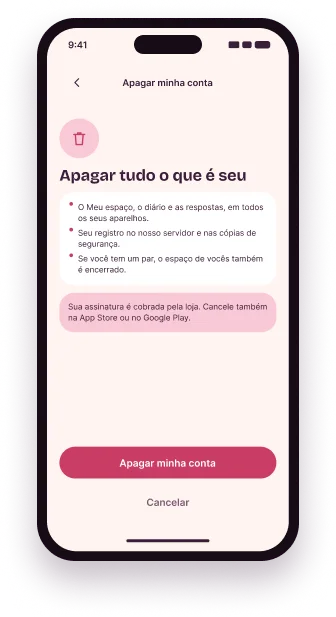
- Open Settings > Privacy > Delete my account
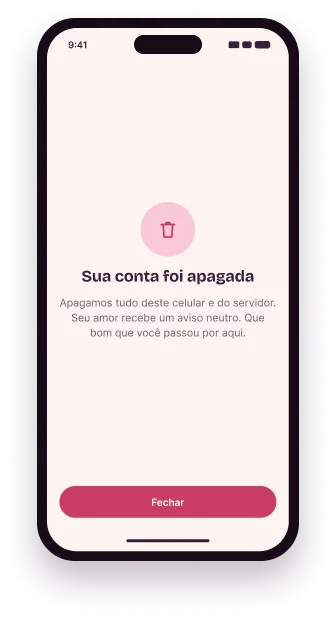
- Confirm. We delete your data, your record and My space
- Store subscriptions: cancel in the App Store or Google Play
What is kept
- Access logs for 6 months (Marco Civil da Internet, art. 15)
- Purchase records for the period tax law requires (usually 5 years)
- Backups: your data clears from them within 30 days, and nothing deleted comes back in a restore.
- We ask RevenueCat, which manages subscriptions, to delete your customer record. Apple and Google keep their own purchase records.
No app?
Reinstall the app, restore it with your recovery words and delete in Settings. Without the words or the app, use the privacy form or write to [email protected]. Because the account has no name or email, we reply within 15 days explaining what we can do.